PACS Software in 2026: Web-Based Imaging for Modern Radiology

Radiology Has Changed

PACS (Picture Archiving and Communication System) software refers to the digital norm for medical imaging. It eliminates the use of physical film and introduces a secure electronic platform through which medical professionals can store, retrieve distribute, and display medical images (e.g. X, rays, CT scans, MRIs, and Ultrasounds).

Radiology PACS software in the year 2026 healthcare environment has transformed from mere storage to become a powerful workflow engine. For example, Everrtech's iWebAdv uses web- based architecture allowing radiologists to have diagnostic, quality images at their fingertips no matter where they are, effectively closing the distance between the imaging equipment and the reporting physician.

PACS radiology software web-based medical imaging system for modern hospitals

Key Technologies in Everrtechs iWebAdv PACS

When purchasing a PACS software, it is the underlying technology that decides the time and trustworthiness of your diagnosis. Based on the iWebAdv system, here are the major technologies that power a modern imaging center.

Nowadays, the capability to read scans remotely is not an option but a necessity. PACS radiology software must incorporate support for remote access.

1. Everrtech iWebAdv Web Based Server Architecture

Everrtech iWebAdv is a Web Based Server architecture. This arrangement allows authorized users (doctors referring patients or remote radiologists) to access images by means of a simple web browser without being at the hospital physically.

Benefit: Makes teleradiology processes and obtaining second opinions very quickly and effectively possible. Great PACS software should be "modality agnostic."

2. Everrtech DICOM

Our solution adheres to the DICOM 3.0 standard completely. No matter which device you are using, e.g. GE CT scanner, Siemens MRI, or Philips Ultrasound, iWebAdv will capture and convert these images to a common format for storage.

Connectedness: Uses DICOM Send Print Query/Retrieve (SCU/SCP), so it can function as a central point for all your equipment.

3. Advanced Visualization Tools

To make an informed diagnosis, radiologists really need tools that help them analyze the images, not just view them. Our iWebAdv viewer comes with tailored toolsets for various clinical needs.

4. Customizable Hanging Protocols

Departments with a large number of cases could hardly work without efficient systems.

The Everrtech Solution: iWebAdv can easily configure Hanging Protocols. With this feature, the software will automatically arrange the images on the screen according to the user's ordering habits (e.g. showing the most recent Chest X, ray on the left and the previous one on the right).

Advantage: Saves the radiologist's time, which is often used for manual setup, and allows immediate reading.
PACS Software Comparison

Feature Physical Film / Legacy Systems Everrtech iWebAdv PACS Software
Storage Requires physical space (warehouse) Digital Archiving (Server/HDD)
Retrieval Hours to find old films Seconds (Instant Query/Retrieve)
Distribution Patient must carry films Web-Link / CD / DVD Export
Cost High (Film + Chemicals) Low (One-time software investment)
Diagnostic Tools None (Light box only) Digital Zoom, Contrast, Cine Loop

FAQs

The iWebAdv system is tailor made for the Windows operating system environment. With a standard hospital IT infrastructure, the system fits in seamlessly and cuts down on the need for specialized Linux administrators.
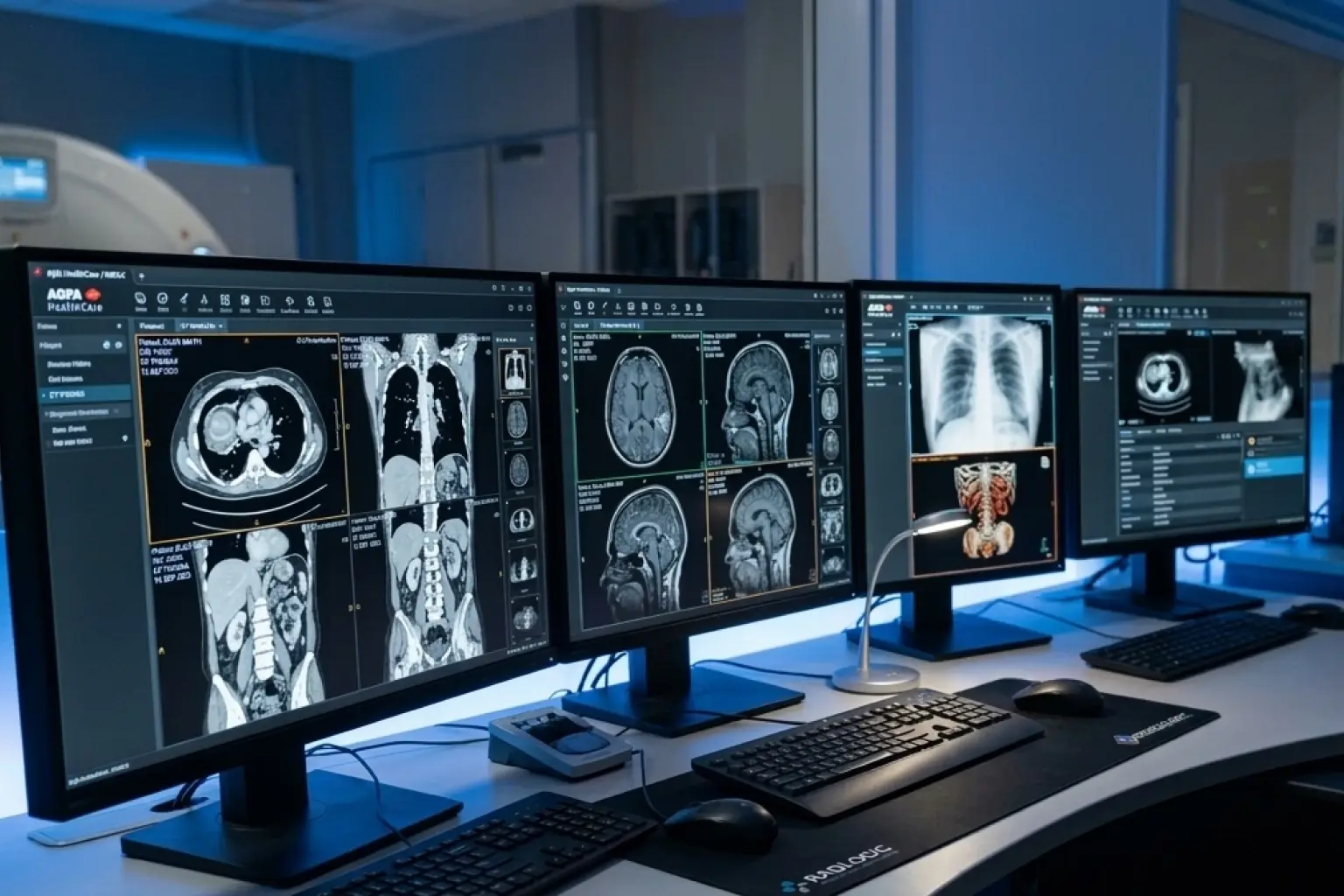
Of course. With multi-monitor setups in mind, the design of PACS radiology software allows the radiologists to check their worklist on one monitor and study high resolution images on two or more monitors in a diagnostic station.
With iWebAdv's support of Multi, frame DICOM (Cine loops), you can use the system to play back continuous ultrasound or catheterization videos without interruption, as opposed to just viewing static images.